Load the country data
Start with a country layer that already includes population values. Create a new map and load the Natural Earth countries GeoJSON.
Create a polished country-level population map from a ready-to-use Natural Earth GeoJSON file.
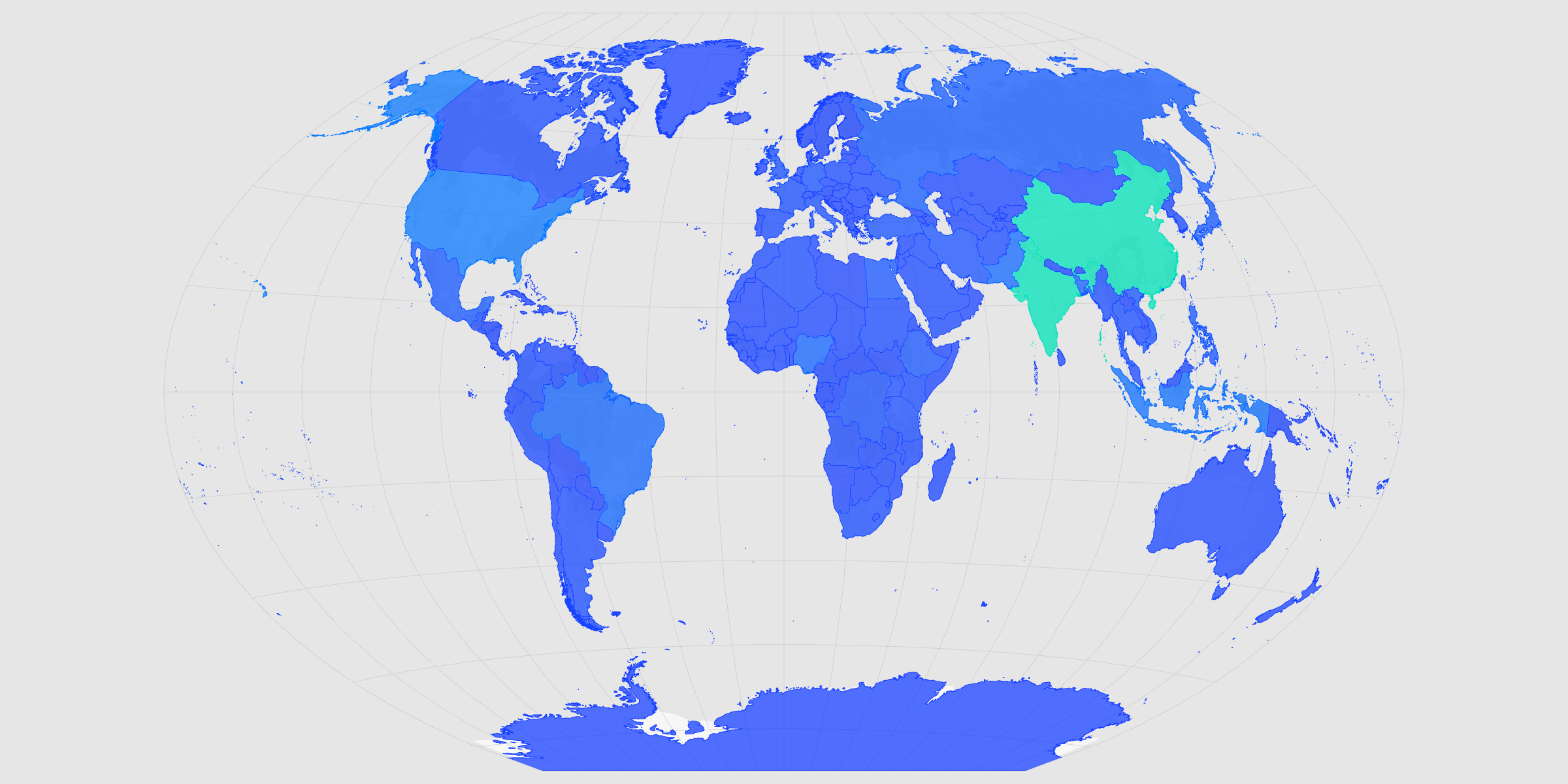
Start with a country layer that already includes population values. Create a new map and load the Natural Earth countries GeoJSON.
The dataset includes a numeric 'POP_EST' column with estimated population values. In the layer editor, set Color to POP_EST, keep Continuous selected, and turn on the Color legend.
The color scale should match the tone of the map. Open the Palette menu and choose a scheme that feels clear, readable, and publication-ready.
Because the data is global, the full map projection should fit the artboard. Open the Basemap panel, set Autofit to Projection, then choose Natural Earth or another global projection.
The final file should match the space where it will be used. Open Format to set the image dimensions, then open Export and choose SVG or PNG.
Create a new map, load the source data, and use this workflow as a starting point for your own editorial or design project.